
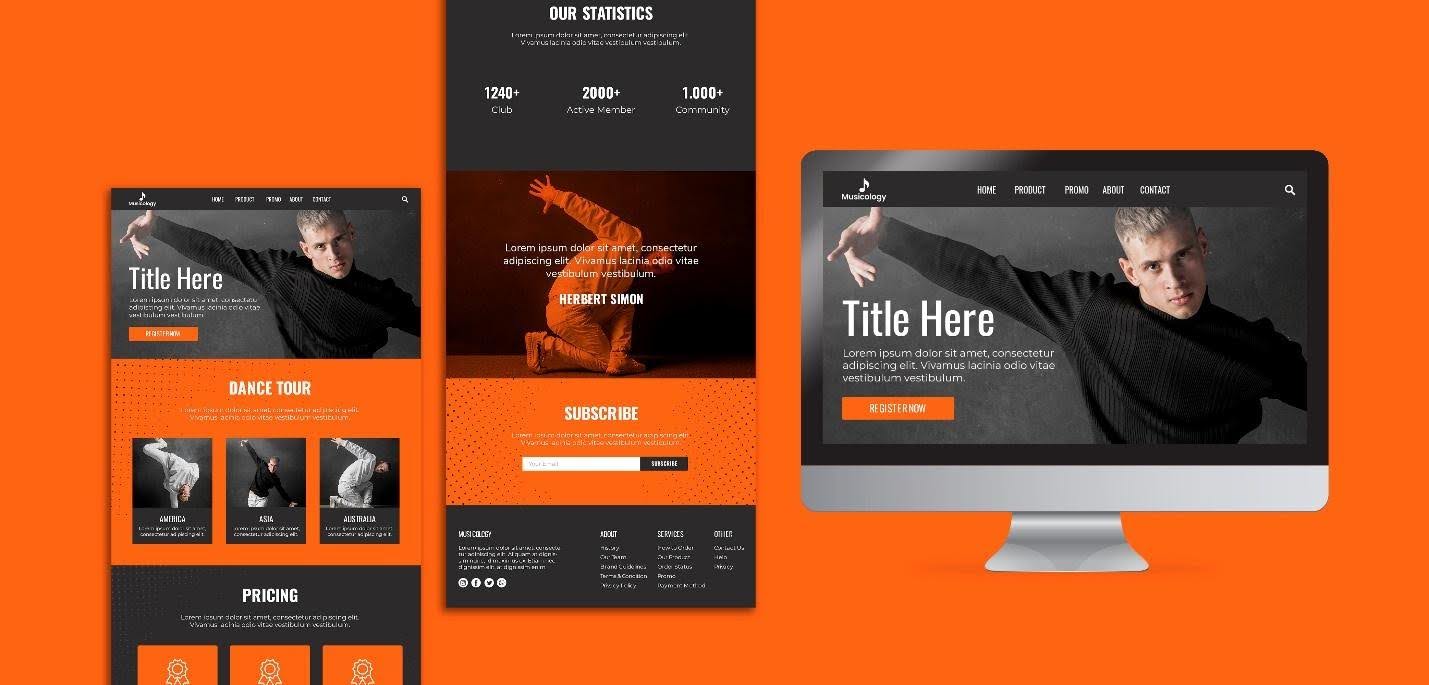
A managed services provider (MSP) website serves as a gateway to your business. It is often the first impression you make on potential customers. If there is something for them, they will either explore the services further, click the CTA, or click the contact button. But if you fail to engage them or cannot make it convenient for them to stay, they will bounce back.
It is essential to understand that your MSP website is not an ordinary website. This is why it must be different and offer something valuable to the IT business. This short but comprehensive article explains the five elements you must add to your MSP websites to make them highly converting machines.
A Compelling Header
A header is the top section of any website. It is the area that interacts with customers when they land on your website. It usually includes an image or graphic, a heading, a subheading, a CTA, and contact information. The header on your MSP website needs to convey a message or make an offer, both graphically and textually.
However, it must address three key points: what you offer, how it will improve customers’ lives, and why they should buy it. If your header is answering these questions, you are already winning.
A Strong Heading and Subheading
The heading in your header must clearly state the primary services you offer, for example, “Managed IT services” or “managed IT services in the USA.” This will help customers quickly understand your services and also help you achieve better SEO rankings.
Next come the subheadings. They must support the main heading and focus on the benefits you will provide to customers who use your services. The headings and subheadings are an essential part of your MSP website because they convey your services and the benefits clients will receive from using them.
User-Friendly Navigational Menu
Creating a user-friendly navigational menu for an MSP website is crucial. It helps the customers to browse your website with ease. User-friendly navigation encourages you to explore your services more effectively, rather than relying on complex navigation.
The navigational menu must include your logo, important information about the business and its services (such as About Us, Contact Us), and a strong call to action (CTA).
Crafting In-Depth MSP Service Pages
Create separate pages for each of your managed services, including digital marketing, network management, cybersecurity, cloud services, IT consulting, and data backup and recovery.
Separate pages for each service will not only boost your website’s performance but also improve SEO and make it easier for visitors to navigate your site. Additionally, each service page must provide clear, comprehensive information to meet customers’ needs.
Precise Call to Action
A call to action (CTA) prompts a visitor to take action. Therefore, it is critical to write prices and compelling CTAs that persuade visitors to take action, such as “check demo,” “schedule a free assessment call,” or “live chat.” However, avoid generic CTAs such as “contact us” or “call us.” For an MSP website, consider “book a discovery call” or “call now to learn more about Managed IT services.”